

Apple TV Driver 
$79 USD
One-time purchase · per projectLaunch apps, find shows and wake the Apple TV, all from Control4.
Direct to the Apple TV
Pair it once. It heals itself, opens the app and goes straight to the show.
The stock driver depends on the Apple Bridge and HomeKit, can't open apps, and turns the room on to a black screen when the Apple TV is asleep. Ours talks to the Apple TV directly, like the iPhone remote. Pair it once. It finds the Apple TV again after an IP change, reconnects on its own, wakes it first and opens the app.
What's included
Three drivers. One license.
Apple TV Driver
App tiles, the full remote, live status, and wake and sleep.
Streaming Search
A search screen on every Control4 navigator that launches shows from six services.
Custom Mini App
A YouTube video, series or episode as its own tile on the navigator and remote.
App Switcher
Put up to 25 apps in the App Switcher.
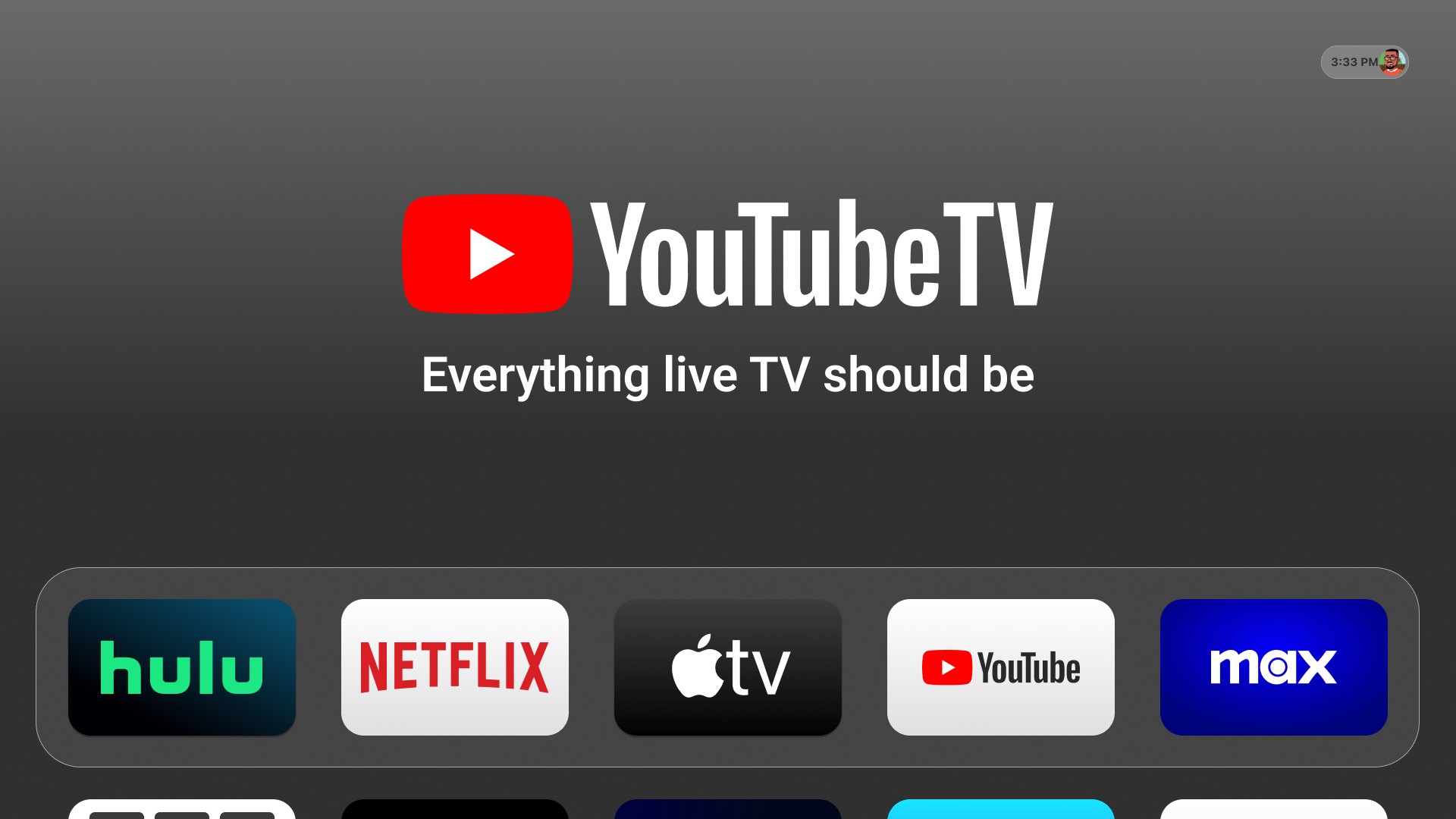
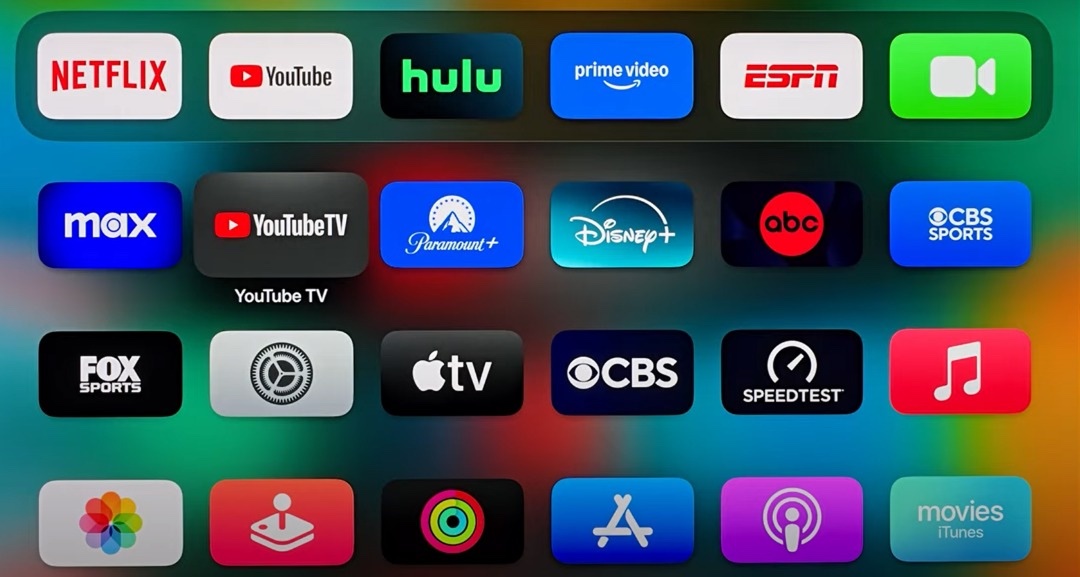
Add Netflix, YouTube, Disney+, Prime Video or any app installed on the Apple TV as its own tile. When your customer taps a tile, the driver wakes the Apple TV and opens the app, and the tile stays as the room's source. Pause, skip and the arrow keys keep working without a trip back to the Apple TV source.
Streaming Search
Search once. Tap the poster. The show opens on the TV.
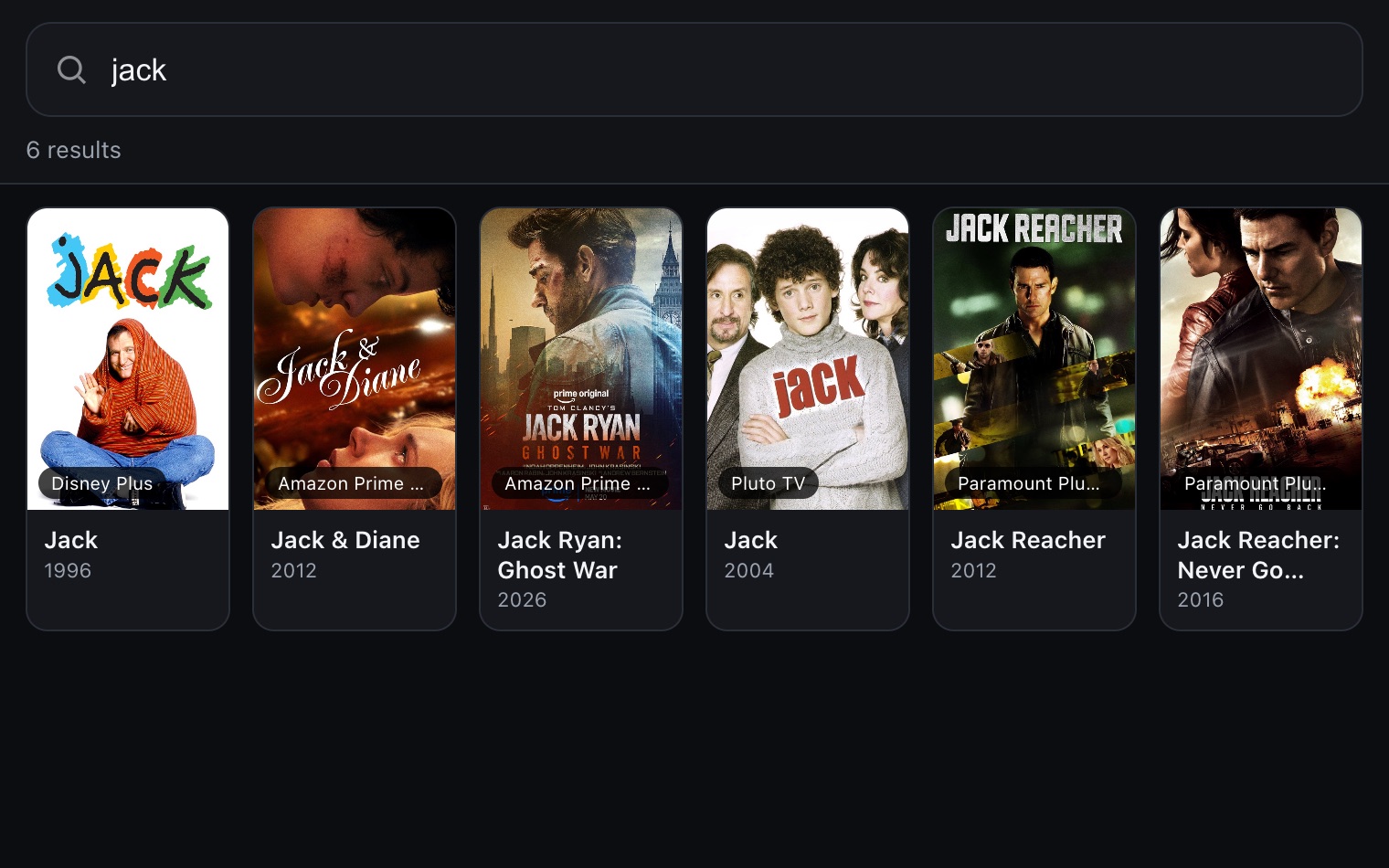
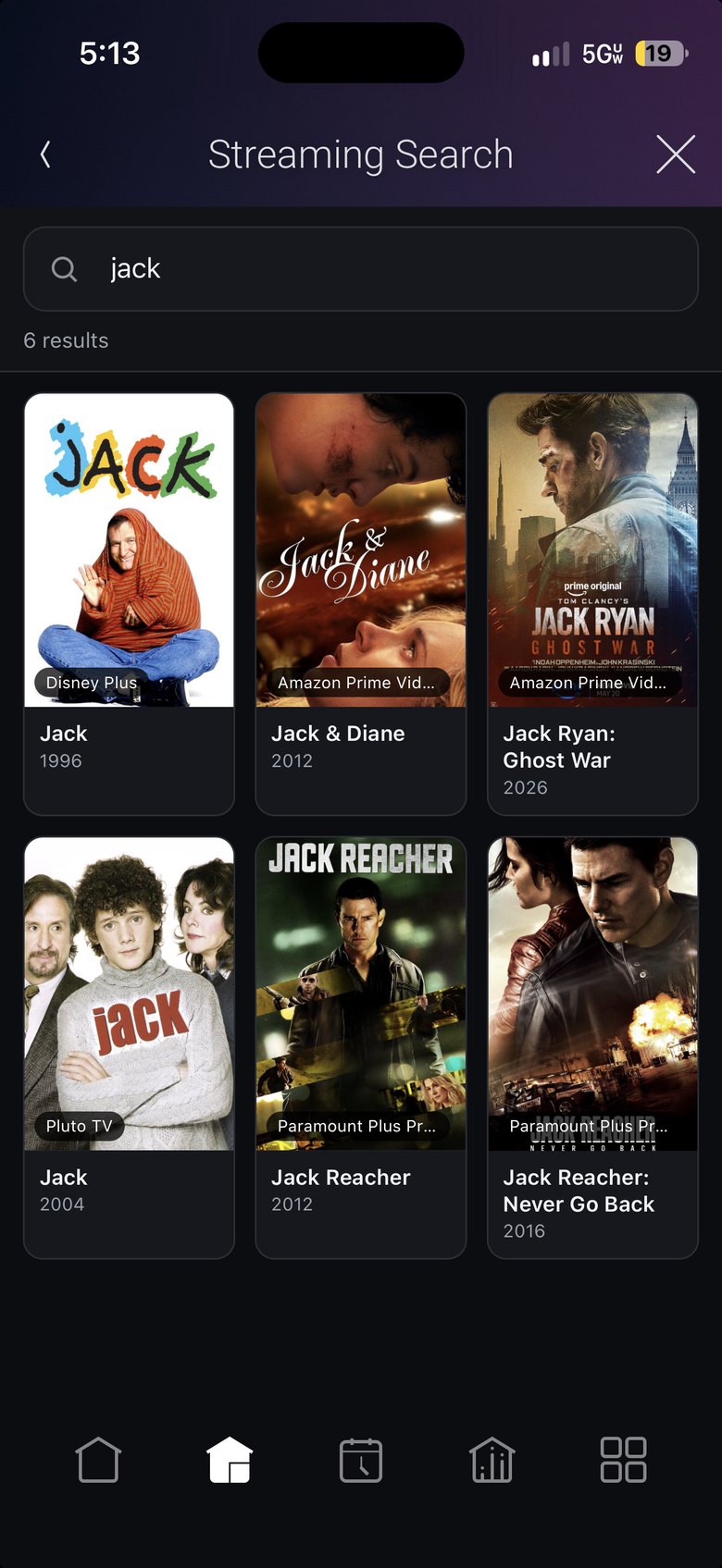
With a Siri remote, finding a show means guessing which app has it, opening that app, and typing on the on-screen keyboard one letter at a time. Streaming Search puts one search screen on the Control4 app, the touch screens and the on-screen navigator. It searches Apple TV+, Disney+, Peacock, Prime Video, Paramount+ and Pluto TV at once, and each poster shows which app has it. Tap one and the room's Apple TV opens that show in the right app.
Every service. One search box.
Results come back from six services at once, and each poster shows the app that has it. Nobody has to remember where a show lives.
- Six services, one search.Apple TV+, Disney+, Peacock, Prime Video, Paramount+ and Pluto TV.
- Every poster shows its app.Your customer sees where the show lives before tapping it.
- On every Control4 screen.The Control4 app, T4 touch screens and the on-screen navigator.
- Opens the show, not the app.It lands on that show, with no menus to dig through.
- Turns the room on.It selects the Apple TV and hands it the remote.
- No dead-end results.Only services that open straight to the show appear.
Tap the poster. It's playing.
The room turns on, the Apple TV wakes and the show starts in the right app. No Siri remote and no on-screen keyboard.
Custom Mini App
Give a favorite show its own button.
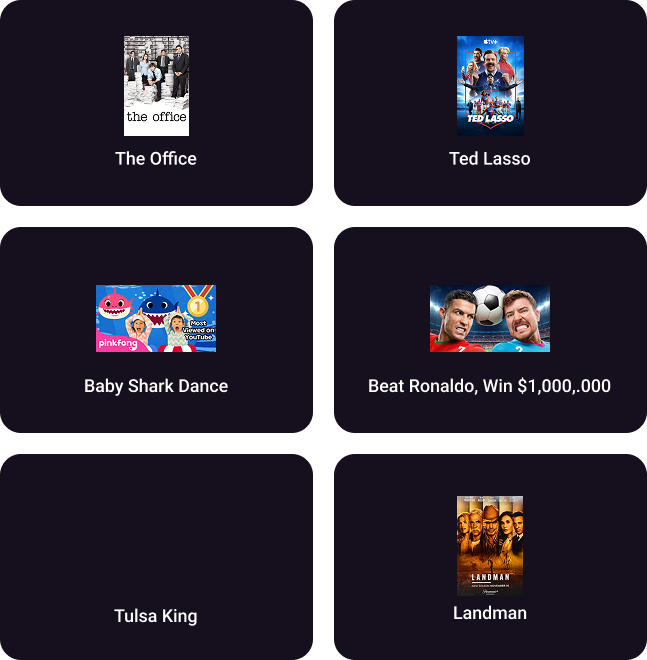
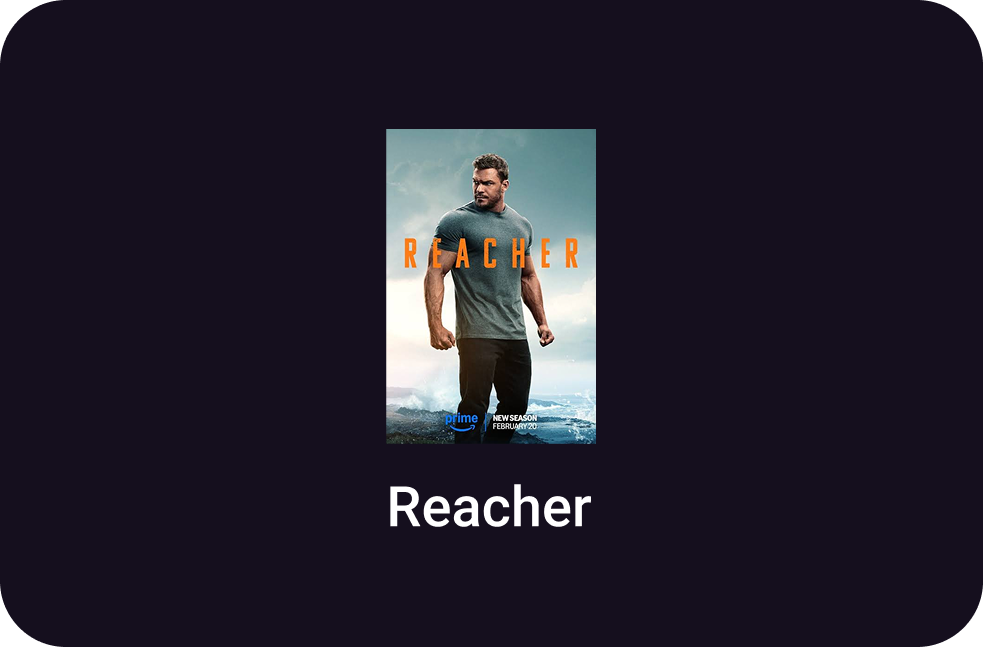
Enter a link to a show, a season or a YouTube video, and the Custom Mini App turns it into a tile with the show's poster in the Watch menu, next to Netflix and Disney+. Your customer taps the tile, the room turns on and the Apple TV opens that show. Deep links work with YouTube, Apple TV+, Disney+, Peacock, Prime Video, Paramount+ and Pluto TV.
In the field
The details that keep it working.
Wake and sleep
The Apple TV wakes up before the room needs it.
The driver sends Apple's wake command before every launch and when the room turns on, and reconnects if sleep dropped the link. Room Off puts it back to sleep, so the sleep timer stays at its default.
No Apple Bridge
Pair it with the PIN on the TV.
Run Start Pairing in Composer and type in the four digits. No bridge and no customer phone.
Auto-healing
Finds the Apple TV after an IP change.
It tracks the box by device ID, so a new address or port after a reboot doesn't send you back into Composer.
Live status
Program against play, pause and power.
Power, play state and the current app show up as variables and events.
IR backup
Keys still work if the network drops.
Set Control Mode to IP with IR backup and bind IR Output to a controller port. Remote keys and power go out IR whenever the network link is down.
Audio distribution
Send the Apple TV straight into your audio system.
The driver has Optical, Digital Coax and RCA audio outputs next to HDMI Out. Put an HDMI audio extractor behind the Apple TV and bind that output to your matrix or amp. No extra driver to turn HDMI into an audio endpoint.
Full remote
Keys map the way customers expect.
Info opens Settings and Guide opens the app switcher, along with play, pause and skip.
In Composer
See exactly what the driver is doing.
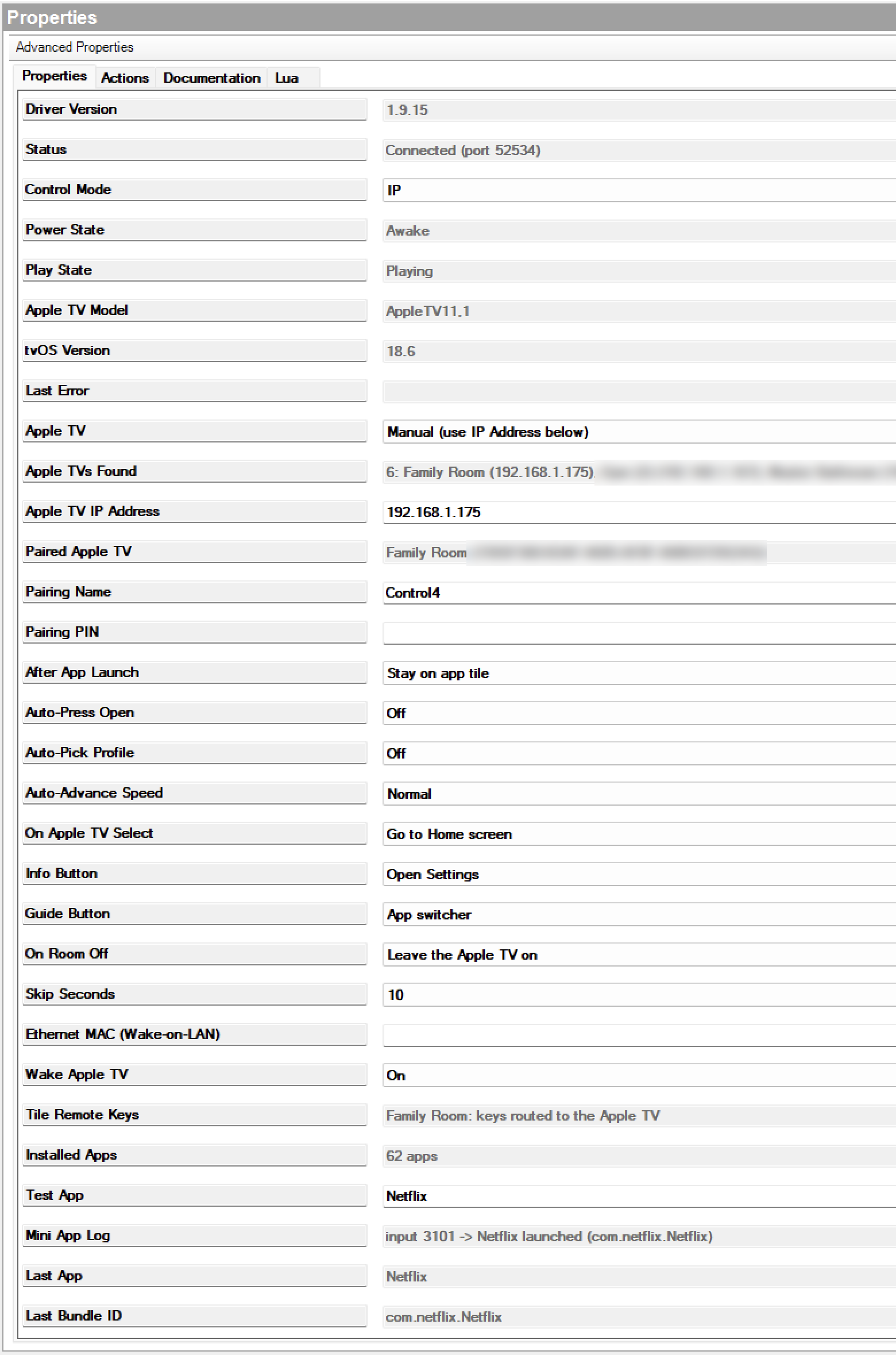
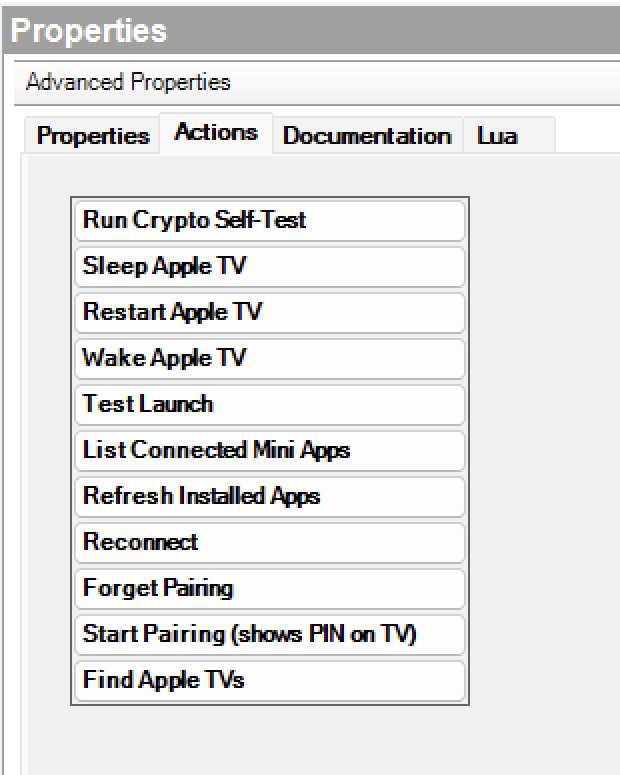
The properties page shows the connection, the paired Apple TV and what is playing. The Actions tab handles pairing, wake, sleep and reconnect, so you can sort out a room from the office.
- Status at a glance.Version, connection, power and play state on the first screen.
- Finds every Apple TV.Find Apple TVs lists each box on the network with its address.
- Pairing from Composer.Start Pairing puts the PIN on the TV. Forget Pairing starts over.
- Fix a room from Composer.Wake, Sleep, Restart and Reconnect from the Actions tab.
- Knows the installed apps.Refresh Installed Apps reads every app on the box.
- A log for every launch.Mini App Log and Last App show what opened and how.
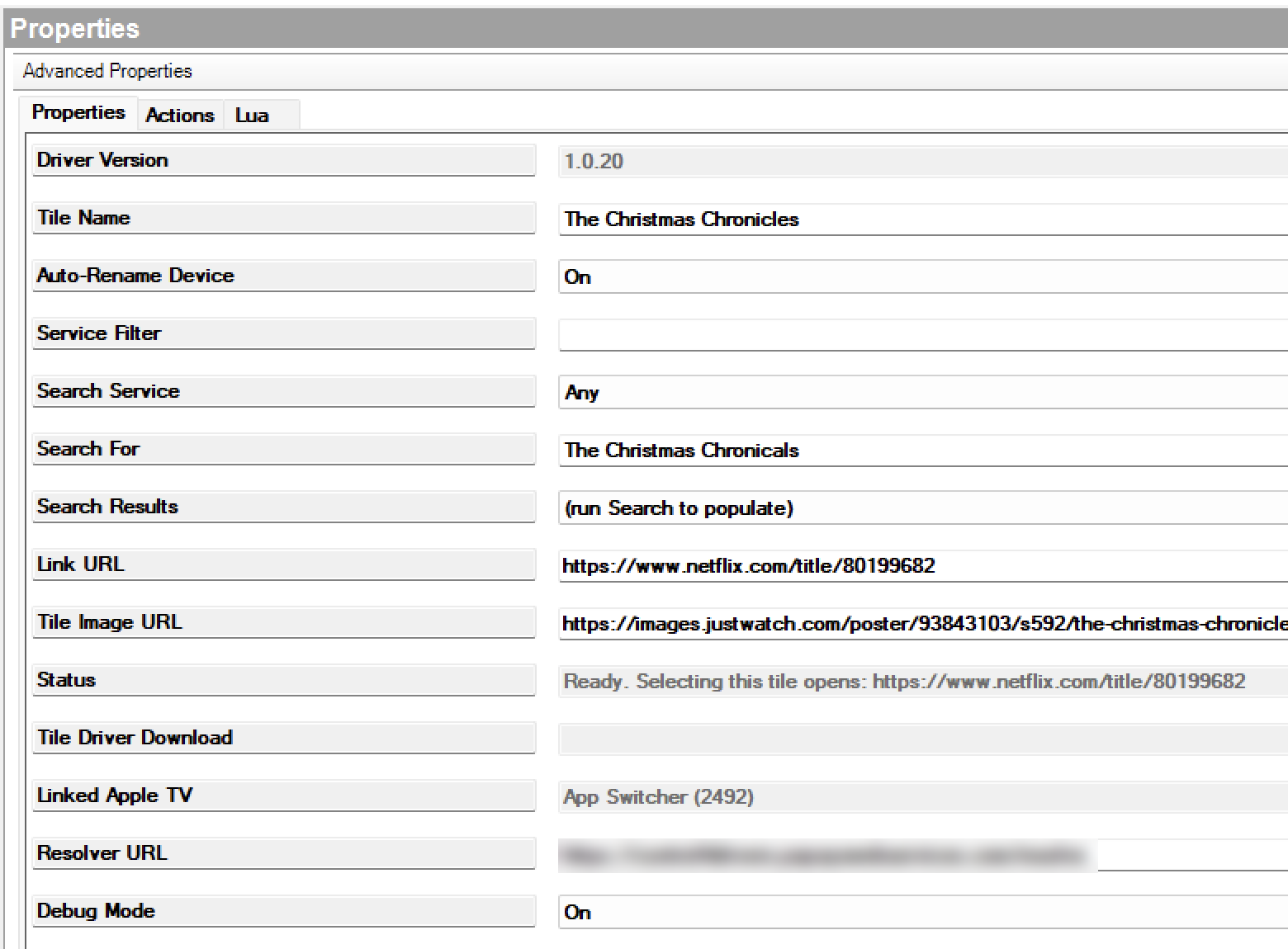
Type a show into Search For, pick it from the results, and the tile fills in its link and poster. Status tells you exactly what the tile opens before your customer ever taps it.
- Search for the show.Type a title in Search For and pick it from Search Results.
- Poster art on the tile.Tile Image URL pulls the show's poster for the Watch menu.
- Names itself.Auto-Rename Device names the tile after the show.
- Shows what it will open.Status spells out the exact link the tile launches.
- Finds its Apple TV.Linked Apple TV shows the App Switcher it's bound to.
- One tile per show.Tile Driver Download builds a separate driver with the poster built in.
Tech specs
- Included drivers
- Apple TV, Streaming Search, Custom Mini App
- Apple TV
- Apple TV HD and Apple TV 4K
- Control4 OS
 X4 (OS 4.0 or later)
- Apple Bridge
- Not needed
- Pairing
- One-time PIN shown on the TV, entered in Composer
- Show search
- Apple TV+, Disney+, Peacock, Prime Video, Paramount+, Pluto TV
- Deep links
- Apple TV+, Disney+, Peacock, Prime Video, Paramount+, Pluto TV, YouTube
- Direct to app
- Netflix, Hulu, HBO Max and every other app installed on the Apple TV
- App tiles
- Up to 25 per Apple TV
- Wake and sleep
- Apple Wake command, auto reconnect, optional Wake-on-LAN
- Control
- IP, IP with IR backup, or IR only
- Audio outputs
- HDMI, Optical (Toslink), Digital Coax and RCA bindings
- Feedback
- Power state, play state, current app
- Connection
- IP over Ethernet or Wi-Fi; show search needs internet
- License
- One per Control4 project, all three drivers
- Updates
- Free for life
- Free demo
- 30 days for dealers
- Current version
- 1.9.15
Free 30-day demo
Install any driver on a real job for 30 days before you pay for it.
Licensed per project
You buy one license per Control4 project. If you replace the controller, the license moves with the project.
Updates for life
You pay once per project and get every new version free.
Support from a dealer
A working Control4 programmer writes and supports these drivers. Open a ticket and we fix it.
Questions
Do I need the Apple Bridge driver?
No. The driver talks to the Apple TV directly from the Control4 controller. No bridge, no Raspberry Pi, no extra box.
Does setup need the customer's iPhone?
No. Start pairing in Composer, read the PIN off the TV and type it into the driver.
Do I still have to set the Apple TV to never sleep?
No. The driver wakes the Apple TV before every launch and when the room turns on, and reconnects if sleep dropped the network link. Leave the normal sleep timer on.
Which apps support deep links and show search?
Apple TV+, Disney+, Peacock, Prime Video, Paramount+ and Pluto TV, in both search and tiles. YouTube videos deep link from a Custom Mini App tile. Prime Video and Paramount+ may ask for one tap to confirm on the TV.
Why doesn't Netflix deep link?
Netflix removed deep linking from tvOS in 2025, and Hulu and HBO Max ignore show links too. We tested each link format on a real Apple TV. Their tiles still open the app.
Does show search need internet?
Yes. Search looks titles up online. Launching the show on the Apple TV happens on the local network.
Can customers type on the Apple TV from Control4?
Control4 apps don't send keystrokes to drivers as you type. For finding a show, use Streaming Search. For passwords, use the Apple TV Remote in iPhone Control Center.
What happens if the Apple TV gets a new IP address?
The driver recognizes the Apple TV by its identity and finds it again automatically. A DHCP reservation is still good practice.
How does licensing work?
One license covers all three drivers on one Control4 project. If the controller is replaced, the license moves with the project. Every update is free.
What if a tvOS update breaks something?
Open a ticket and we ship the fix. You pay nothing for updates for the life of the project.
Can I try it before I buy?
Yes. Every driver has a free 30-day dealer demo license with every feature turned on. Buy a license before it ends and the demo converts in place, with no reinstall.
Apple TV Driver
Apps, show search and deep links for Apple TV in Control4.
